Beyond the Standard APK: How to Install .XAPK and .APKS Files
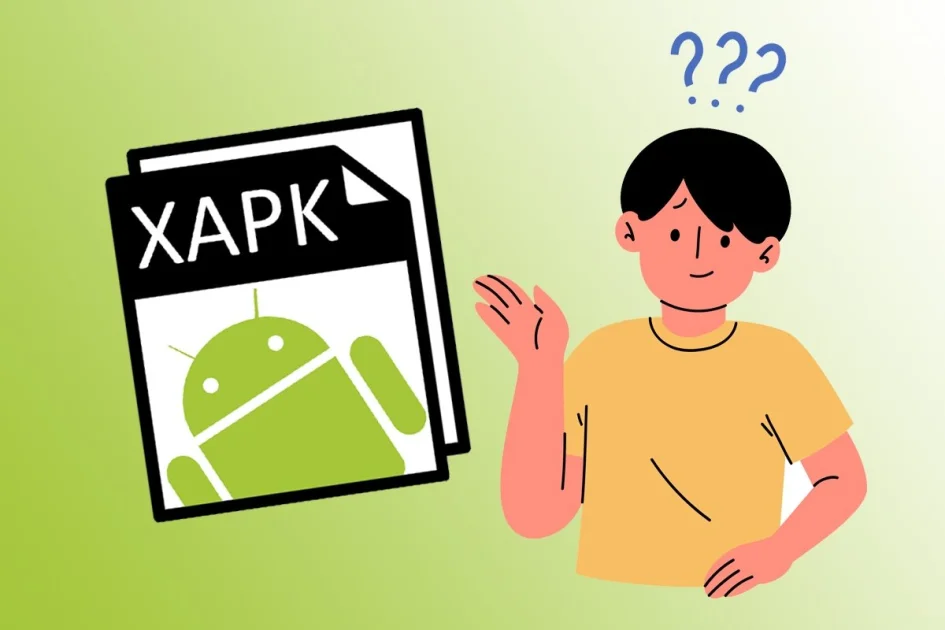
Advanced Tutorial: Installing Split APKs (.XAPK & .APKS)
Have you ever downloaded a file from CMods and noticed the extension wasn't just .apk, but instead .xapk or .apks? These are called "Split APKs." Google uses this format to save space, but it can be tricky to install manually. Don't worry—here is the simplest way to get them working on your phone.
What are Split APKs?
Instead of one giant file, the app is broken into pieces: one for the base code, one for your screen size, and one for your language. To run the app, your phone needs to "stitch" these pieces together during installation.
The Tool You Need
Standard Android installers cannot read these formats. You will need a Split APK Installer (like SAI or XAPK Installer), which you can also find right here on CMods.
"Pro Tip: If you try to open an .XAPK file with your default file manager, it will say 'File not supported.' You MUST use a specialized installer app."
Step-by-Step Installation Guide
Follow these steps to install your premium split apps correctly:
- Download the File: Get the .XAPK or .APKS file from our store.
- Open the Installer App: Open your Split APK Installer (SAI).
- Select the File: Tap on "Install APKs" and browse to your Downloads folder.
- Pick the Parts: Select the .XAPK or .APKS file. The installer will automatically pick the right parts for your phone.
- Confirm: Tap "Install" and give the app permission to complete the process.
Quick Troubleshooting Table
If the installation fails, check these common reasons:
| Error Reason | How to Fix It |
|---|---|
| MIUI/HyperOS Optimization | On Xiaomi phones, you may need to turn off "MIUI Optimization" in Developer Options. |
| Insufficient Storage | Split APKs need extra temporary space to "unzip" before installing. Free up at least 1GB. |
| Architecture Mismatch | Make sure you downloaded the version that matches your CPU (ARMv7 or ARM64). |
Why Use This Format?
Even though it requires an extra step, Split APKs ensure that the app runs perfectly for your specific device model, reducing lag and saving storage space in the long run.
Found a file you can't open? Check our Tools Category on CMods for the latest Split APK Installers!